How to Build a Translation Glossary: A Practical Spreadsheet Template
When a product name, technical term or character title changes halfway through a translation, the sentence may still sound fluent — but the document stops feeling trustworthy. A small glossary prevents most of that drift. You do not need specialist software to make one.
A translation glossary is an approved list of important source terms and the exact target-language terms that should represent them. It is not a dictionary. A dictionary gives several possible meanings; a project glossary records the one choice that is right for this document, organisation or story.
The useful minimum
Start with a spreadsheet containing five columns: source term, preferred translation, meaning, example, and status. Twenty carefully chosen rows are more useful than 500 words copied from a dictionary.
When a glossary is worth making
You probably need one when the text is longer than a few pages, will be revised later, is shared among several translators, or contains vocabulary whose exact form matters. Common examples include software help, product manuals, research papers, contracts, training material, novels and game dialogue.
You usually do not need one for a personal email, a restaurant menu you only want to understand, or a short one-off passage with no repeated specialist language.
Step 1 — Choose a narrow scope
Name the project and language pair at the top of the sheet. “Company glossary” is too broad. “Northwind installation handbook, English to German, version 3” tells future editors which decisions belong there.
Also write one sentence describing the audience. A term suitable for an engineer may be wrong for a first-time customer. If a project has both audiences, use separate glossaries or add an audience column.
Step 2 — Collect terms that can cause real damage
Read the source before translating and mark repeated or high-risk language. Include:
- product, feature, organisation and character names;
- abbreviations whose meaning is not obvious;
- technical terms with more than one plausible translation;
- legal or policy terms where near-synonyms are not interchangeable;
- recurring titles, slogans, commands and interface labels;
- words that must stay in the source language.
Leave out ordinary words such as “window”, “send” or “large” unless the project assigns them a special meaning. Filling the sheet with easy words hides the decisions reviewers actually need to see.
Step 3 — Use a spreadsheet people can understand
| Column | What goes in it |
|---|---|
| Source term | The exact word or phrase as it appears in the original. |
| Preferred translation | The single approved target form. Use “do not translate” where appropriate. |
| Meaning | A plain-language definition of the concept in this project. |
| Example | One complete source sentence showing the term in context. |
| Status | Proposed, approved, or retired. |
| Notes (optional) | Capitalisation, gender, plural, audience or forbidden alternatives. |
A copyable example
| Source | Preferred target | Meaning / note | Status |
|---|---|---|---|
| workspace | [approved term] | The customer’s shared project area, not a physical desk. | Approved |
| Seam Swift | Seam Swift | Product name. Never translate. | Approved |
| record | [candidate term] | A saved translation job; noun only. | Proposed |
The brackets are deliberate: a qualified speaker should supply and approve the target terms. A neat spreadsheet cannot compensate for an incorrect decision.
Step 4 — Add context before approving a translation
Never approve an isolated word if it can mean several things. “Draft” may be an unfinished document, a current of air, compulsory military service or the act of writing. An example sentence usually resolves the ambiguity immediately.
For nouns in languages with grammatical gender or case, record the base form and any rule a reviewer needs. For interface text, note whether the term is a button, heading or message. For names transliterated into another script, decide the spelling once and store it exactly.
Step 5 — Test it on two representative pages
Take one ordinary page and one difficult page. Translate both, then search the result for every approved target term. Ask three questions:
- Was the preferred term used where the concept appeared?
- Did it still make grammatical sense in each sentence?
- Did the source term ever mean something else that should not use this translation?
If the third answer is yes, the glossary entry is too broad. Narrow it to a phrase, add a context rule, or let a human decide case by case.
Step 6 — Use the glossary during review
Not every translator can automatically apply a spreadsheet glossary. It is still valuable as a review list. Search the completed translation for each preferred term and its known unwanted alternatives. This catches drift much faster than rereading the entire document hoping to notice it.
The four glossary mistakes to avoid
- Listing several “preferred” translations. That records uncertainty rather than resolving it. Pick one, or state the rule that decides between them.
- Adding no context. A bare pair of words is easy to misapply and hard to review later.
- Translating brand names by accident. Explicit “do not translate” entries are often the most valuable rows in the sheet.
- Never retiring terms. Keep old decisions for reference, but mark them retired and record the replacement.
A simple maintenance routine
During review, add a row whenever the same correction appears twice. Before a new edition, confirm product names and retired terms with the subject expert. After the project, remove duplicate candidates but keep rejected terms in a “forbidden alternative” note. That history stops the same discussion recurring six months later.
Where Seam fits
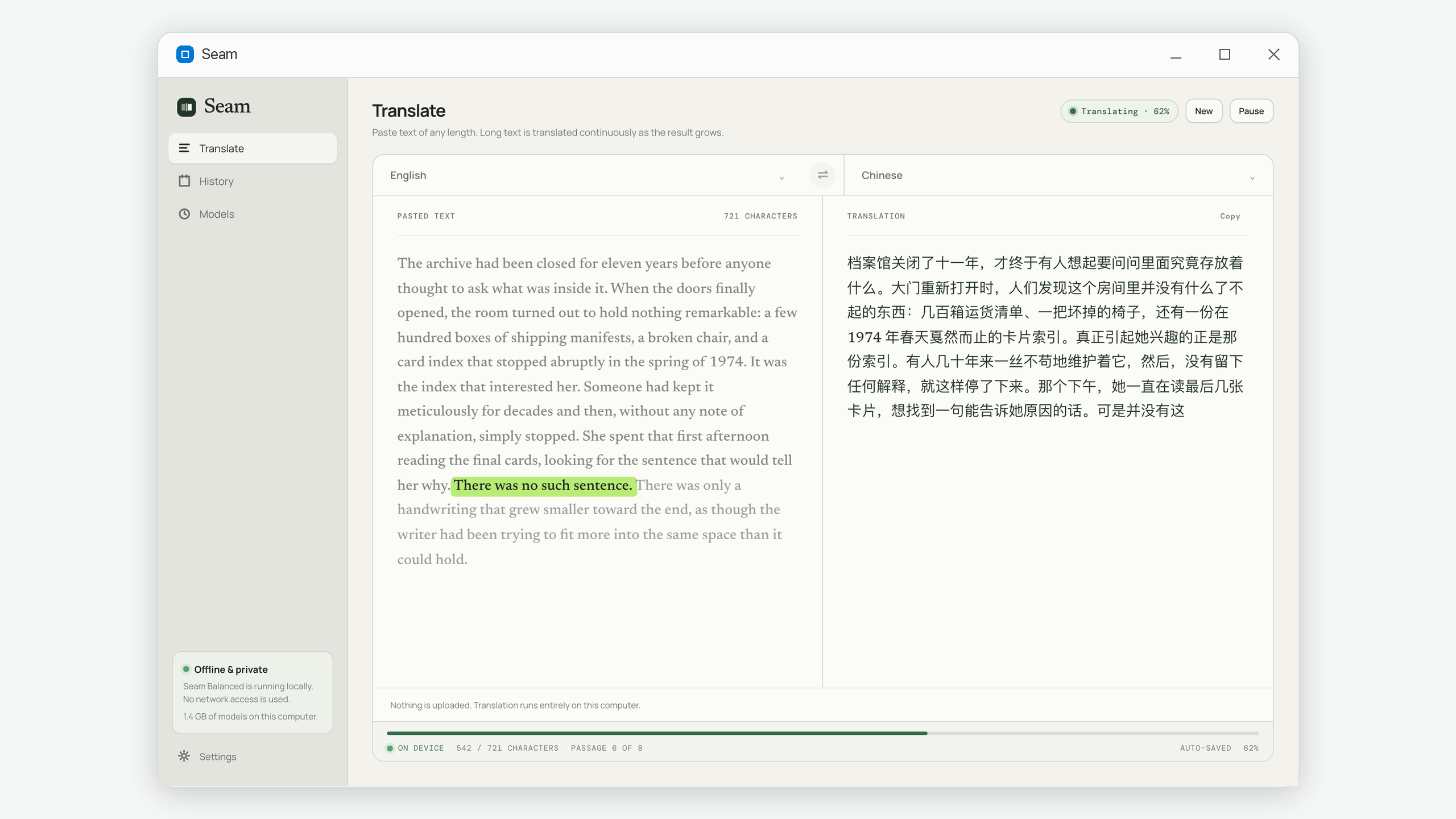
Seam translates pasted text of any length locally and keeps the whole job in one history record. It does not currently import or enforce glossary files, so use the sheet as a preparation and review tool: settle terms first, run the translation, then search the complete result for preferred and forbidden forms. Because the text and history stay on your computer, the glossary does not need to be uploaded with the source.
Common questions
How many terms should a translation glossary contain?
There is no ideal total. Start with the smallest set of repeated, ambiguous or high-risk terms. For many documents that is 20–50 entries. Add terms when review reveals a real inconsistency.
Is a glossary the same as translation memory?
No. A glossary stores approved terms and their meaning. Translation memory stores previously translated sentences or segments for possible reuse.
Should names go in a translation glossary?
Yes, when spelling, transliteration or whether to translate the name requires a decision. Record product names that must remain unchanged as well.
Can I build the glossary after translating?
You can, and the first translation will reveal useful candidates. But approving high-risk terms before the main run prevents much more rework.
Seam handles long translations locally while your glossary and source stay on the same computer. Get it on the Microsoft Store.