How to Check a Machine Translation for Missing Sentences
Fluent output can still be incomplete. A translator may skip a sentence, repeat a paragraph, lose a list item or turn “not approved” into something that reads smoothly but says the opposite. Completeness needs its own check, separate from style.
This workflow is for long reports, manuals, manuscripts and research material. It does not require you to compare every word. Instead, it uses structural markers — headings, paragraphs, numbers, names and punctuation — to locate sections that deserve close inspection.
Do not use word count as a pass/fail test
Languages expand and contract naturally. A target document that is 20% shorter may be perfectly complete. Word or character count is a useful alarm only when one section differs sharply from the rest.
What counts as a completeness error?
| Error | What it looks like |
|---|---|
| Omission | A sentence, clause, list item, caption or footnote has no target counterpart. |
| Duplication | The same source passage is translated twice. |
| Merge | Two source units become one target sentence and one meaning disappears. |
| Structure loss | Headings, numbering, table rows or paragraph boundaries no longer correspond. |
| Value loss | A number, date, unit, URL, identifier or negation changes or vanishes. |
Step 1 — Freeze the exact source version
Save the source you actually translated. If someone edits it during the audit, you can no longer tell whether a missing sentence was skipped by the translator or added later. Give the source and result matching version names and record the language pair and translation date.
Step 2 — Compare the document skeleton
Before reading prose, compare the things that should occur in the same order:
- title and all headings;
- chapter and section numbers;
- paragraph count within each section;
- bulleted and numbered list lengths;
- figure, table and footnote labels;
- blank lines that mark scene or topic changes.
A heading with eight paragraphs beneath it in the source and six in the result is not proof of an omission — paragraphs can merge — but it gives you a small area to inspect instead of a 200-page document.
Step 3 — Check anchors that should survive translation
Search both versions for tokens that normally remain visible: 2026, 14.5%, €300, Figure 7, ISO 27001, URLs, email addresses, model numbers and people’s names. Keep a tally when the document contains many.
Do not assume every number must be visually identical. Decimal separators, digit grouping and date order differ by locale. The value and role must remain the same even when the format changes.
A five-minute anchor sheet
| Source anchor | Expected target | Found? | Location |
|---|---|---|---|
| 12.5% | Same value, local format allowed | □ | Section 2.1 |
| Appendix C | Translated label + C | □ | End matter |
| XZ-410 | XZ-410 unchanged | □ | Installation |
Step 4 — Audit paragraph coverage
Work section by section with the source and target side by side. For each source paragraph, identify the target paragraph or paragraphs that carry it. Mark the source margin with a dot once matched. You are checking presence, not elegance.
For a very long document, do this fully for the opening section, the final section and every high-risk area. Then sample one page from each chapter. If any sample fails, widen the audit to that whole chapter.
Step 5 — Inspect the places omissions hide
Some source patterns deserve automatic suspicion:
- Very short sentences. “No.”, “Why?” and parenthetical asides are easy to absorb into a neighbouring line.
- Repeated-looking lines. Two similar warnings or list items can be mistaken for duplicates even when one word changes the meaning.
- Text around page breaks. Copying from PDFs often drops the first or last line of a page.
- Tables and captions. Flattened structure makes it hard to see whether every cell survived.
- Negation and exceptions. “Not”, “unless”, “except” and “only” are small words carrying large consequences.
- Quoted material and footnotes. Tools may treat them as decoration or separate them from the sentence they qualify.
Step 6 — Use length ratios locally, not globally
Compare the relative length of neighbouring sections. Suppose most target sections are around 110% of their source character count, but one is 45%. That section deserves review. The expected ratio depends on the language pair, writing style and formatting, so learn it from the current document instead of relying on a universal number.
Step 7 — Repair from the source, never from memory
When you find an omission, copy the complete source sentence plus enough neighbouring context to make its meaning unambiguous. Translate that passage again, insert only the missing target text, and check the join on both sides. Record the repair in a small issue log so a final reviewer can verify it.
| Location | Problem | Repair | Verified |
|---|---|---|---|
| 3.2, para 4 | Second warning omitted | Retranslated both warnings; inserted second only | □ |
Why round-trip translation does not prove completeness
Translating the target back into the source language can expose a gross meaning change, but it is not a faithful reconstruction test. A second translator may paraphrase, repair awkward output or repeat the same mistake. Use it as a clue, never as the only approval step.
A final completeness checklist
- Source and result refer to the same frozen version.
- Every heading and numbered section is present and ordered.
- List item counts match.
- Numbers, dates, units, identifiers and names have been checked.
- Opening, ending and one sample per section passed paragraph coverage.
- Short lines, repeated lines, negations, tables and footnotes were inspected.
- Every repair was made from the source with surrounding context.
Where Seam fits
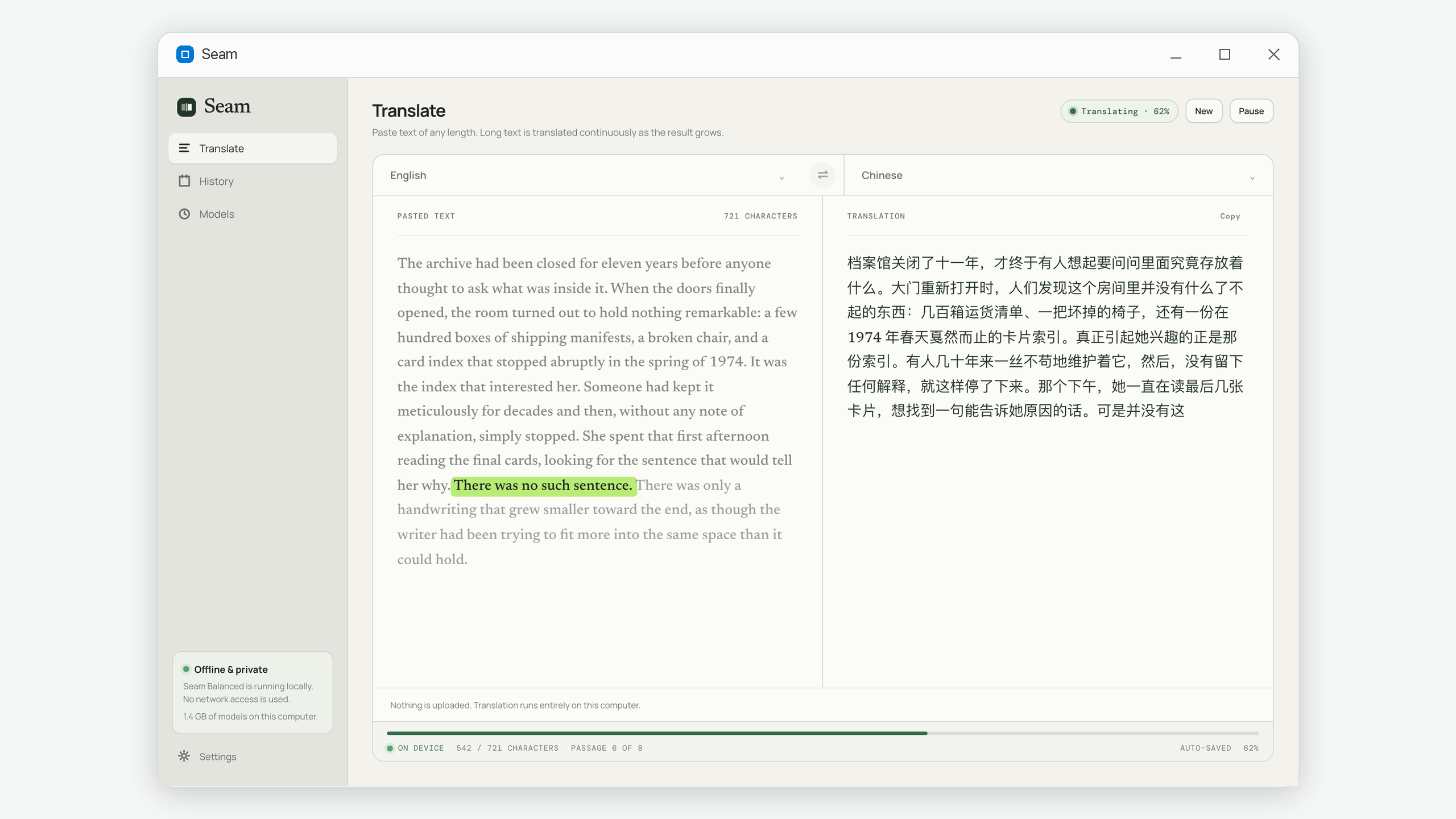
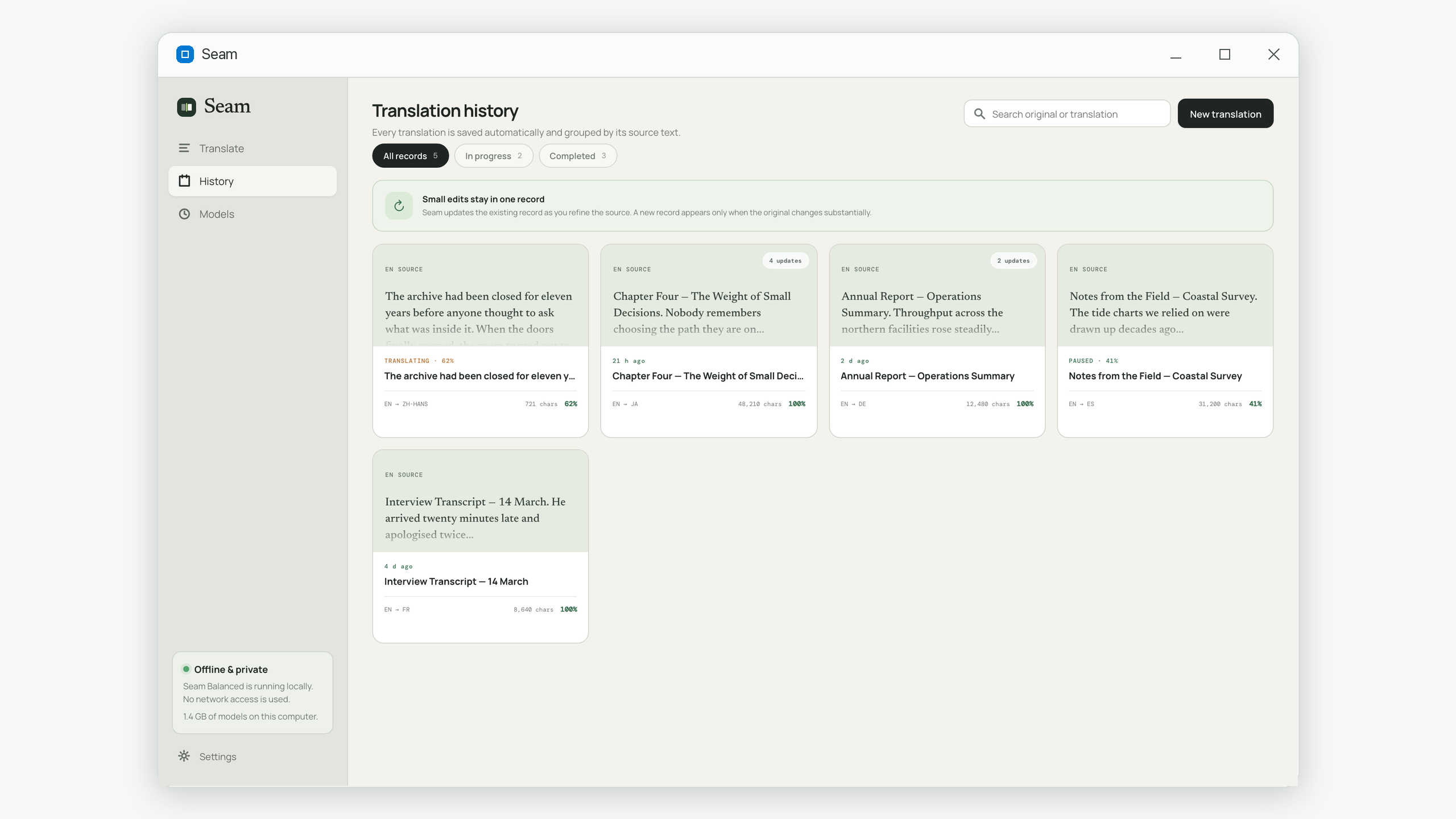
Seam splits long pasted text internally and saves each finished passage before moving on. The user sees one continuous source and result, while interrupted work can resume without retranslating completed passages. Its history view makes it easy to reopen a finished job for the side-by-side audit above.
Common questions
Can software automatically detect every missing sentence?
No. Counts and sentence alignment can flag suspicious areas, but paraphrasing and paragraph merges create false alarms. High-risk documents still need a bilingual reviewer.
Does a shorter translation mean text is missing?
Not by itself. Natural length varies by language. Compare sections within the same document and investigate large local outliers.
Should every source sentence map to one target sentence?
No. Good translation may split one sentence or merge two. The meanings and important details must map, not the punctuation count.
What should I check first when time is limited?
Headings, lists, numbers, names, negations and the first and last paragraph of every section. Then sample the rest.
Seam keeps long source text and its translation together on your computer, ready for a proper completeness review. Get it on the Microsoft Store.