How to Translate a Research Paper Without Breaking Citations or Equations
A research paper is not one block of prose. It is prose threaded through citation keys, equations, units, tables, figure references and discipline-specific terms. Translating everything at once is how references get renumbered and formulas turn into sentences.
The safest method is to separate what should be translated from what should be protected, translate the prose in a controlled order, and then rebuild the document against the untouched original. This tutorial works whether the source is Word, PDF, HTML or copied from an academic database.
Reading is not publishing
If you only need to understand a paper for a literature review, a machine draft may be enough. If you are translating your own paper for submission, the target needs a subject-qualified bilingual editor and must follow the journal’s language and disclosure rules.
Step 1 — Define the job before touching the file
Choose one of three outcomes:
- Reading copy: accurate enough to understand arguments and locate evidence.
- Collaborative draft: structured target text for discussion with co-authors or an editor.
- Submission copy: publication-ready language, terminology and journal style.
The first can tolerate plain text and notes such as “[check term]”. The last cannot. Setting the finish line determines how much formatting you restore and how much human review you budget.
Step 2 — Keep the original and make an extraction copy
Never translate directly over the only copy. Duplicate the paper, then extract the text you need into a working document. Keep headings, paragraph breaks and stable labels such as [FIGURE 2 CAPTION]. Remove page headers, page numbers and line-break hyphenation introduced by PDF layout.
If the PDF is scanned, run OCR first and inspect symbols carefully. OCR can turn “1” into “l”, minus into hyphen, Greek letters into Latin ones and superscripts into ordinary characters. A translator cannot repair a formula it never received correctly.
Step 3 — Decide what to translate and what to protect
| Element | Default treatment |
|---|---|
| Title, abstract, headings and body prose | Translate. |
| In-text citation keys: [12], (Chen, 2024) | Protect exactly; local punctuation may be handled during layout. |
| Reference list | Usually keep bibliographic data unchanged. Follow the required citation style for translated titles. |
| Equations and variable names | Protect. Translate explanatory prose around them. |
| Units and values | Preserve the value and unit; localise presentation only when appropriate. |
| Table and figure captions | Translate prose; preserve numbers and links to the correct object. |
| Dataset, software and instrument names | Usually keep official names unchanged. |
Use durable placeholders
When a tool tends to alter formulas or citations, replace them in the working copy with unmistakable tokens such as [[EQ_004]], [[CITE_SMITH_2022]] and [[URL_03]]. Keep a separate two-column map. After translation, restore each token and verify that every token appears exactly once.
Do not use ordinary words like “equation four” as placeholders; they can be translated. Do not invent citation numbers manually if reference software controls them.
Step 4 — Build a terminology sheet from the paper itself
Extract terms from the title, abstract, keywords, headings, figure labels and repeated noun phrases. Record the source term, preferred target term, definition in this study, example sentence and an authoritative source if one exists.
Pay special attention to near-synonyms that the paper treats as different variables or categories. If “adherence” and “compliance” are distinct in the methodology, a translation that collapses both into one term damages the research even when every sentence is grammatical.
Our translation glossary template provides a spreadsheet structure you can reuse.
Step 5 — Translate in an order that reveals mistakes early
- Translate the abstract first. It contains the central terminology and gives you a small review sample.
- Review the terminology choices. Ask a subject expert before they spread through the paper.
- Translate methods and results. These are fact-dense; protect values, units and labels.
- Translate introduction and discussion. Now the established terms guide more discursive prose.
- Translate captions and appendices separately. Their structure is easier to verify outside the main flow.
For reading a foreign paper, this order can be even shorter: abstract, conclusion, figures and the specific methods or results you need. Translate the full paper only if those sections prove relevant.
Step 6 — Rebuild from the original, not from memory
Return to a copy of the original layout. Replace prose section by section, restore protected tokens, and leave equations and reference fields intact. Recreate tables cell by cell rather than pasting flattened translated text over them.
Then run three separate passes:
- Structure pass: headings, paragraphs, figures, tables, notes and appendices all present.
- Data pass: numbers, confidence intervals, signs, units, equation references and citation keys match.
- Language pass: a bilingual subject reviewer checks meaning, terminology and natural academic style.
Step 7 — Verify citations systematically
Count in-text citations before and after. Search for every protected citation token. Confirm that author-year citations still point to the matching reference and that numbered citations have not been manually reordered. Check sentences containing multiple citations, ranges such as [8–11], and citations attached to direct quotations.
Translating a title inside the reference list is a style decision, not a translation default. Follow the target journal or institution. If you provide a translated title for readability, keep enough original information for readers to find the source.
Step 8 — Check equations as images, not prose
Compare each equation visually with the original. Verify operators, subscripts, superscripts, Greek characters, accents, brackets and equation numbers. Then check every sentence that defines a symbol: the equation may be intact while “where r is the radius” has been mistranslated.
Research-paper translation checklist
- The untouched original is preserved.
- PDF line breaks, headers and OCR errors were cleaned in a working copy.
- Citations, equations, URLs and identifiers were protected.
- Core terminology was approved from the abstract before the full run.
- All protected tokens were restored exactly once.
- Heading, paragraph, figure, table and appendix coverage was checked.
- Every value, unit, sign and citation key was compared with the source.
- A bilingual subject expert reviews any text used for publication or consequential decisions.
Where Seam fits — and where it does not
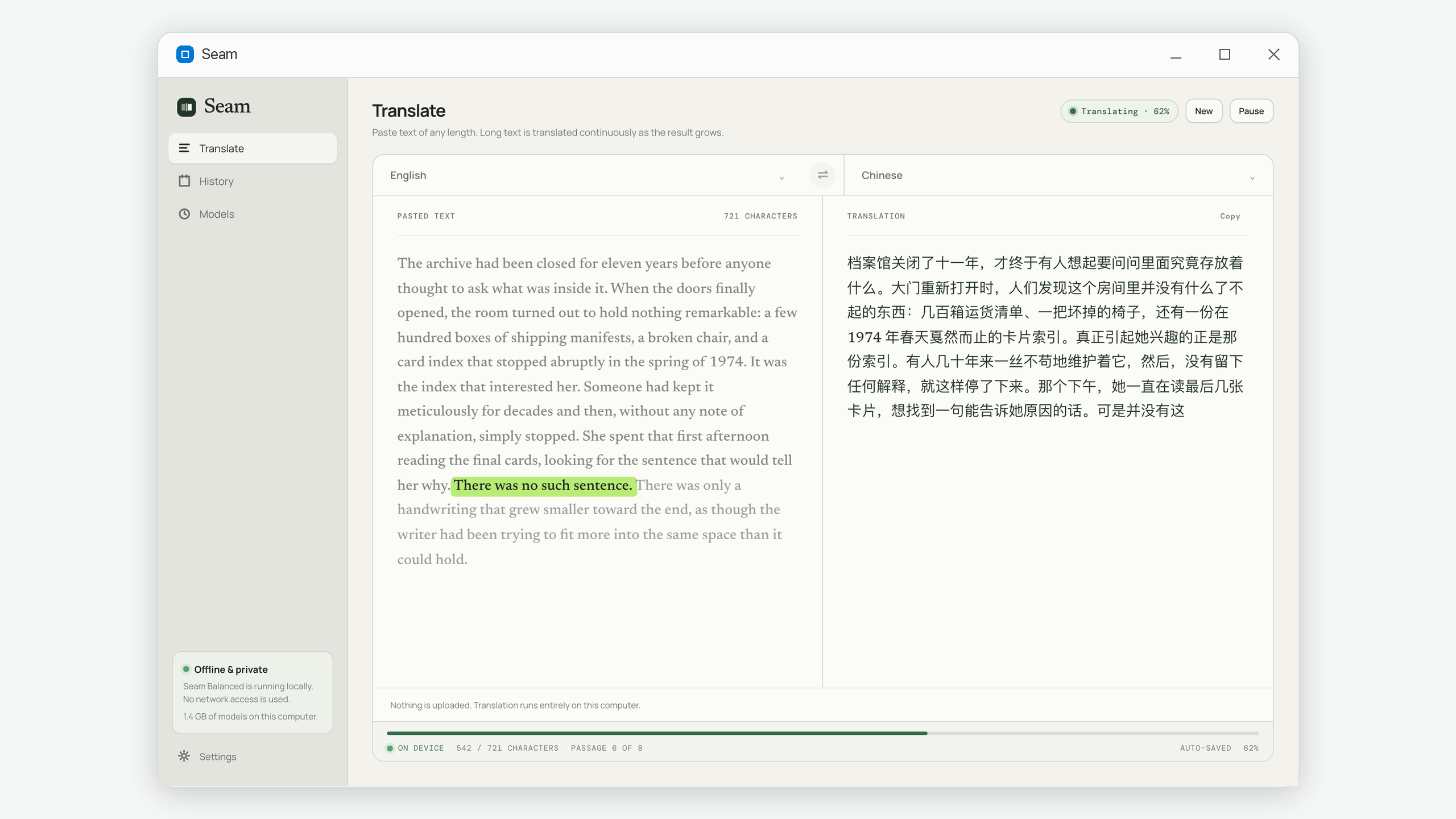
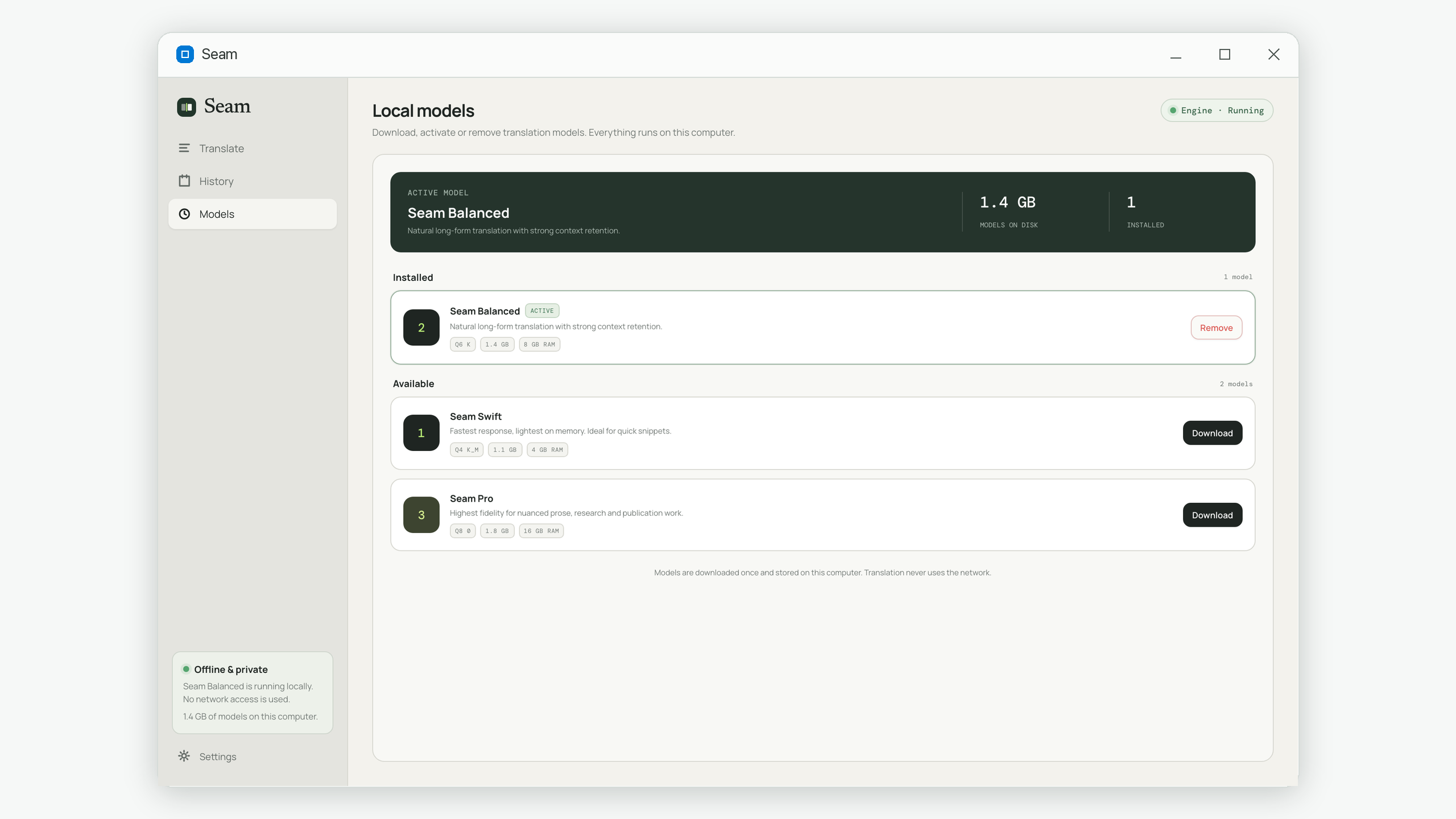
Seam accepts pasted text, not files. That constraint is useful for this workflow because you prepare a clean extraction and deliberately exclude fragile layout elements. Seam then translates the prose of any length on your computer and keeps the source with the result. You rebuild tables, equations and references in the original document afterward.
It is a strong fit for reading copies, unpublished drafts and research material that should not be uploaded. It is not a PDF layout-preservation tool, reference manager or substitute for a subject-qualified editor.
Common questions
Should I translate the reference list?
Usually you preserve bibliographic data so readers can find the source. Whether to add translated titles depends on the required style guide or journal instructions.
Can I translate a two-column PDF directly?
Extract and inspect it first. PDF reading order can interleave columns, headers and captions, creating incorrect source text before translation begins.
Should equations be translated?
No. Preserve mathematical notation and variable names. Translate captions and explanatory sentences, then verify that those sentences still define the right symbols.
Is machine translation acceptable for a journal submission?
Requirements vary by journal, but machine output alone should not be treated as publication-ready. Use a bilingual subject editor and follow the journal’s current language and disclosure policies.
Seam translates extracted academic prose entirely on your computer, with no upload and no length cap. Get it on the Microsoft Store.