Questions
The things people ask before installing.
Is my text really never uploaded?
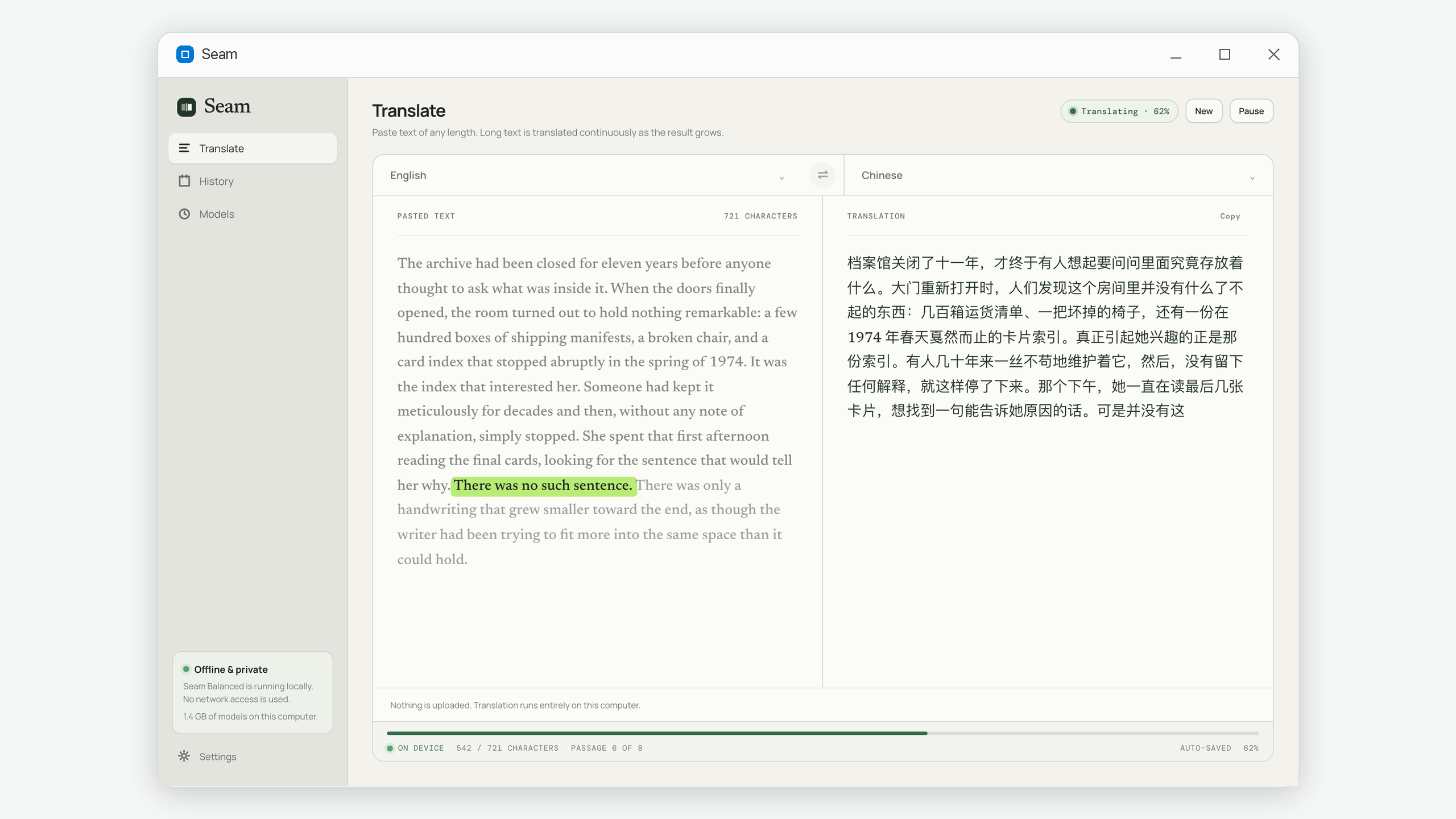
Yes. The translation model runs on your own computer and your text is passed to it locally. Seam makes no network request while translating — you can disconnect entirely and it works exactly the same.
Then why does it need the internet at all?
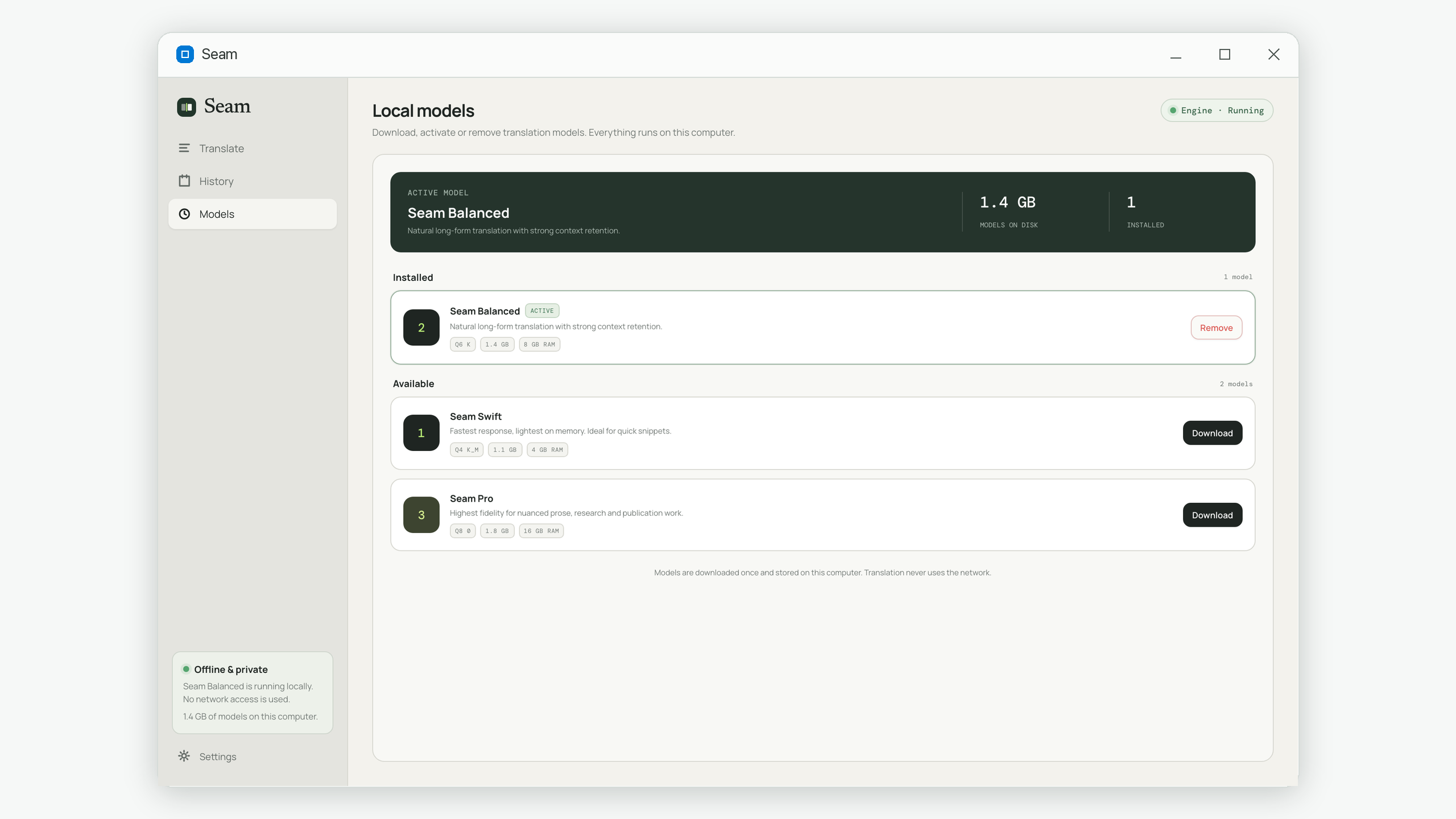
Only to download the translation model you choose, once. Models are large, so they are not bundled with the app. After that download finishes, Seam never needs a connection again.
Do I need an account?
No. There is no sign-in, no profile and no email required. Seam does not know who you are and has nowhere to send that information anyway.
Is there a limit on how much I can translate?
No. Paste the complete text and Seam handles longer material internally. Long passages simply take longer to finish on your computer.
Which languages are supported?
23 languages in either direction: English, Chinese (Simplified and Traditional), Japanese, Korean, French, German, Spanish, Italian, Russian, Portuguese, Arabic, Hindi, Thai, Vietnamese, Indonesian, Malay, Turkish, Polish, Dutch, Ukrainian, Czech and Hebrew.
What is the difference between the three models?
They trade speed for fidelity. Swift is fastest and lightest on memory, Balanced is the best choice for most writing, and Pro gives the most nuanced results for prose headed for publication. You can keep more than one and switch between them.
Where is my translation history stored?
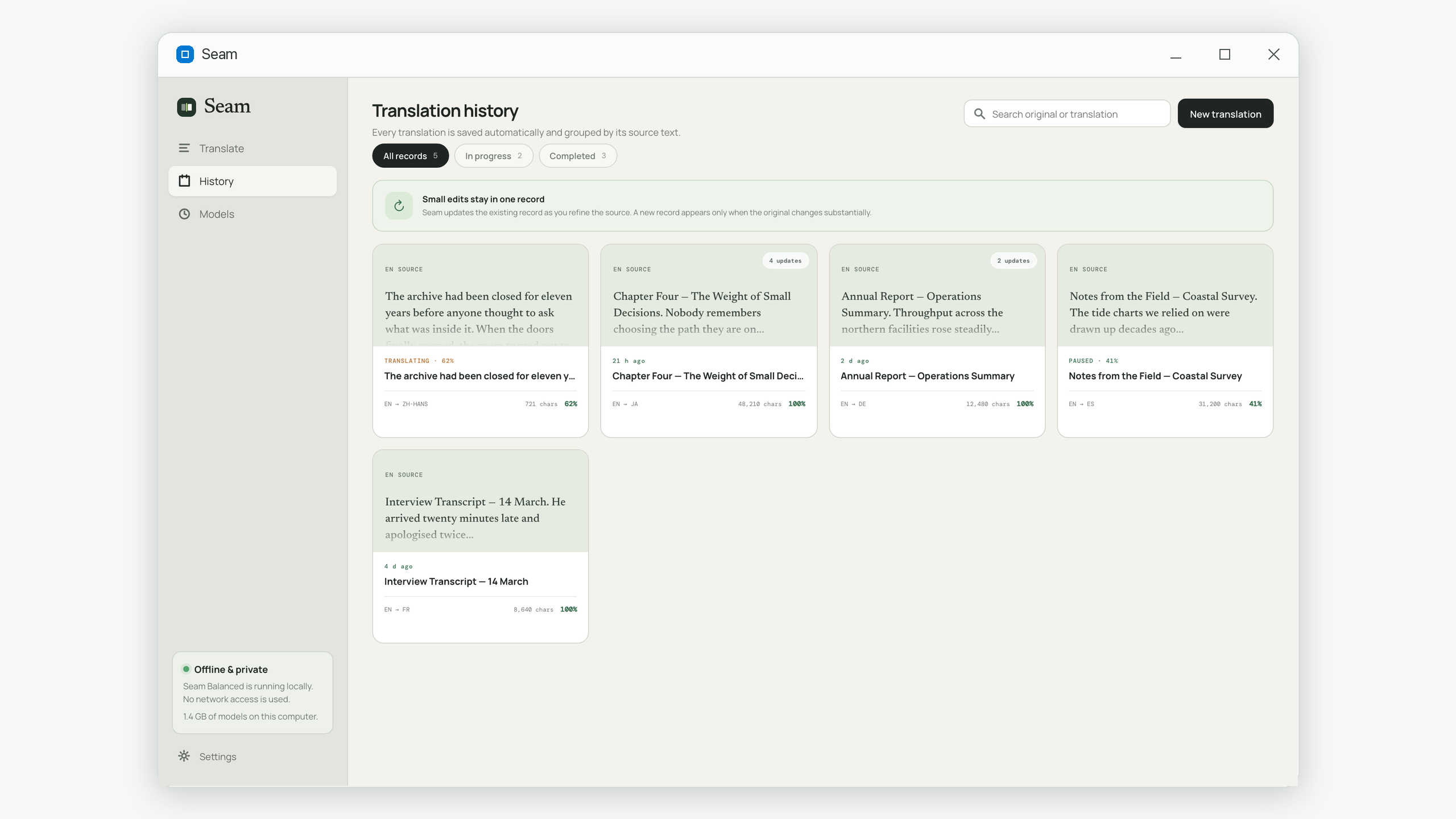
In a file on your own computer, alongside the models you downloaded. Deleting a translation in the app removes it from that file. Nothing is synced anywhere.
Does Seam collect analytics?
No. There is no telemetry, no usage tracking and no crash reporting that leaves your machine. Problems are written to a local log file you can read yourself.